How to add LOEP to your Home Screen
Quick access. Anytime, anywhere. No app store, nothing to download.
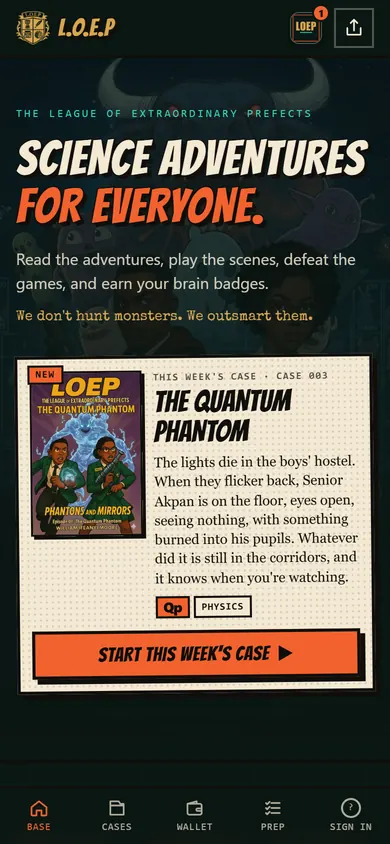
Never miss a challenge
Invites, new cases and replies, the moment they land.
Add LOEP to your home screen and turn on notifications. It opens full-screen like an app, loads faster, and tells you when a friend challenges you to a duel or a quiz, a new case drops, someone replies to your comment, or your Story Studio report is ready.
- 1
Open LOEP in Safari.
Go to loep.academy
- 2
Tap the Share icon.
It's at the bottom of your screen.
- 3
Scroll down and select “Add to Home Screen”.
- 4
Confirm the name.
Tap “Add” in the top right corner.
- 5
LOEP is on your home screen.
You can now open LOEP with one tap.
- 6
Never miss a challenge again.
Turn on notifications: duel and challenge invites, new cases and replies come straight to your phone.

- 1
Open LOEP in Chrome.
Go to loep.academy
- 2
Tap the ⋮ menu.
Top right of the screen. (Or just tap Save to home screen above.)
- 3
Tap “Add”.
- 4
LOEP is on your home screen.
You can now open LOEP with one tap.
- 5
Tap Allow.
Turn on notifications: duel and challenge invites, new cases and replies come straight to your phone.
- 6
Never miss a challenge again.
Turn on notifications: duel and challenge invites, new cases and replies come straight to your phone.
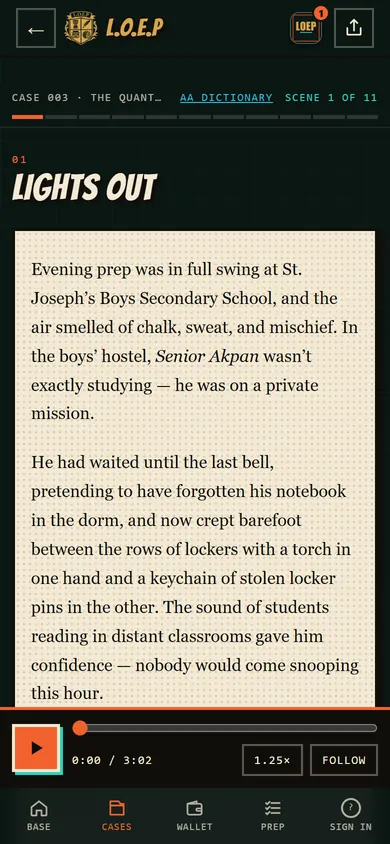
Turn on notifications to never miss a challenge, a new case or a reply.
What's inside
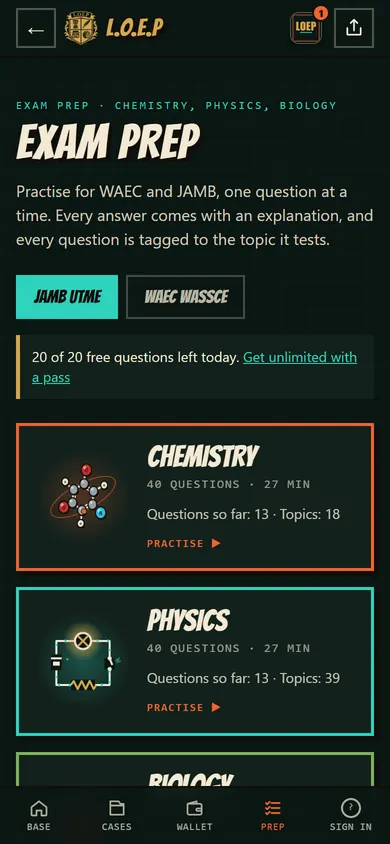
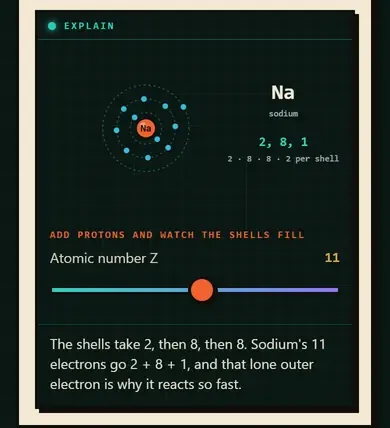
Every question comes with a lab you can play with